
Gateways (GW models)
Wireless & Ethernet Hub
The single Internet connection that bridges all Pelican hardware to the internet for complete visibility and control.
Ethernet Gateway
GW900
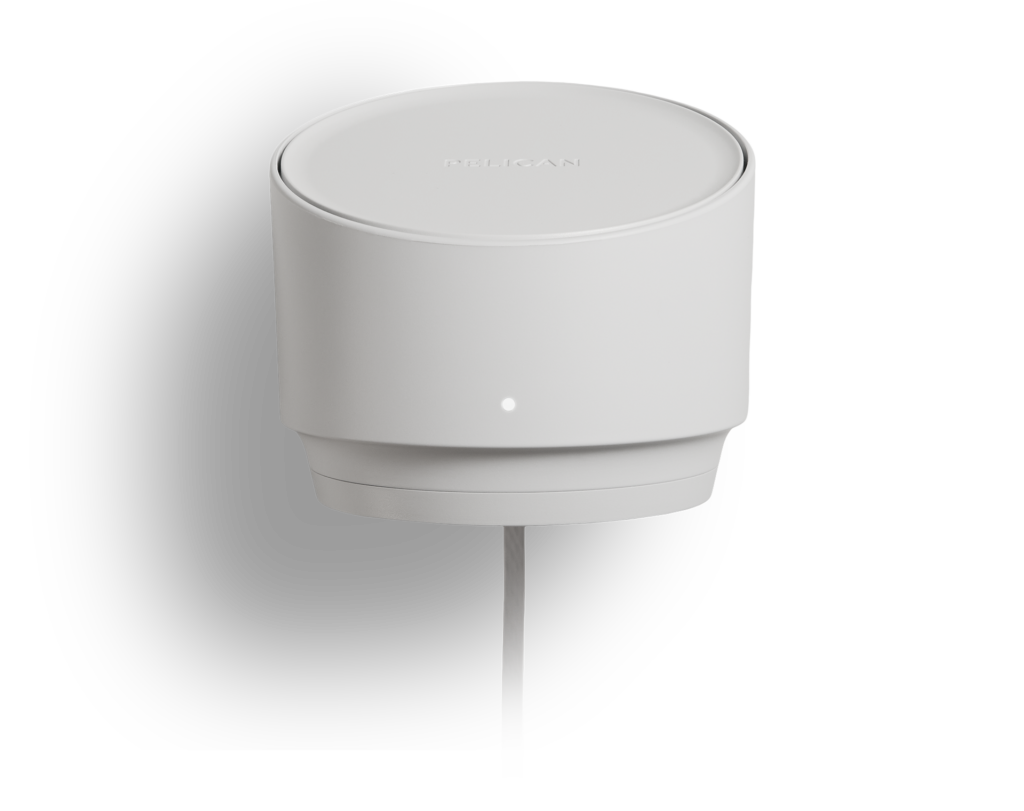
Smart, Secure Performance. Isolated by Design.
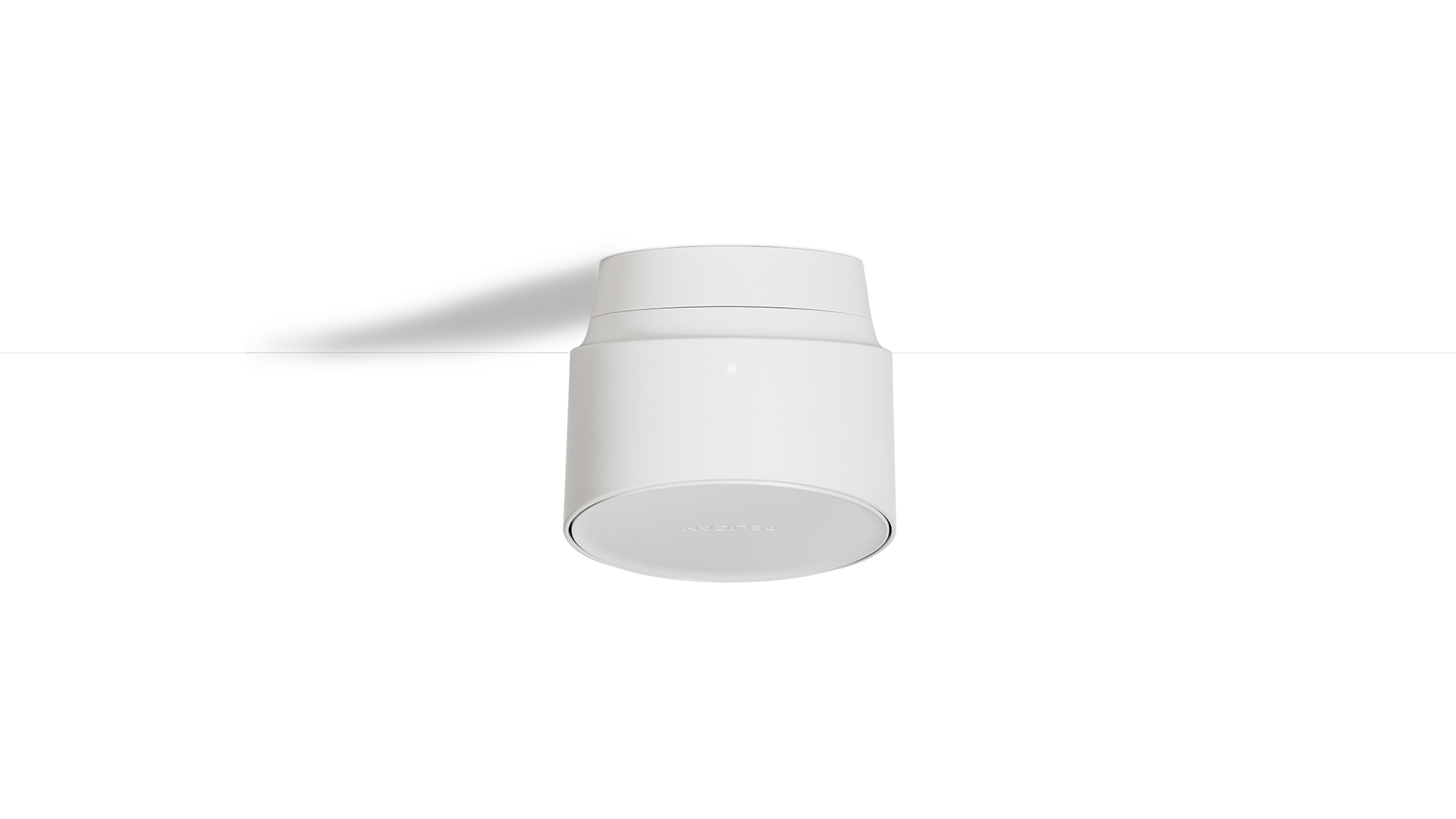
One Device, Totally Connected
One Ethernet connection, bridges your entire Pelican ecosystem back to you. True plug-and-play networked climate management.
Built for Small to Large Deployments
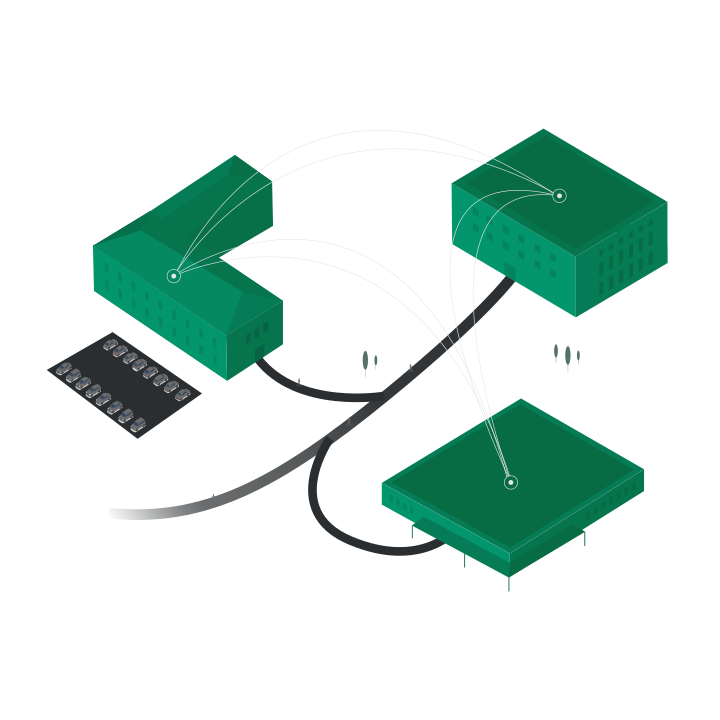
Utilizing our dual wireless technology, the GW900 can network all types of building and campus layouts.
Supports Pelican thermostats, advanced rooftop controllers, built-up multi-zone air handlers, and plant controls across projects of any scale.
IT-Friendly. Network-Isolated by Design.
The Pelican network operates as a standalone system, remaining isolated from Wi-Fi and internal business networks. This design minimizes risk, reduces IT overhead, and ensures secure, reliable communication.
Simplified Installation
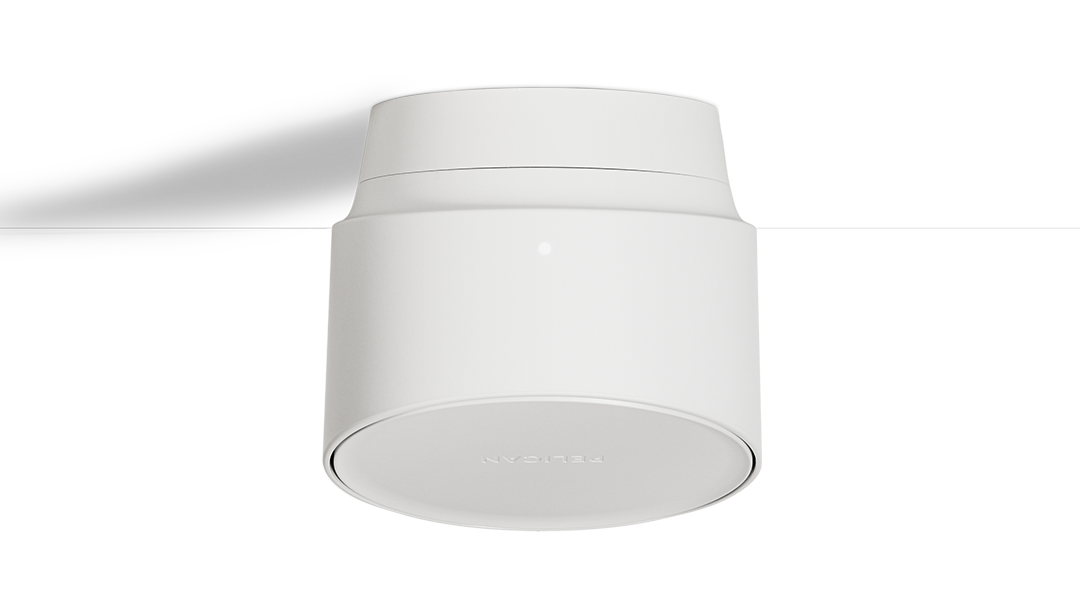
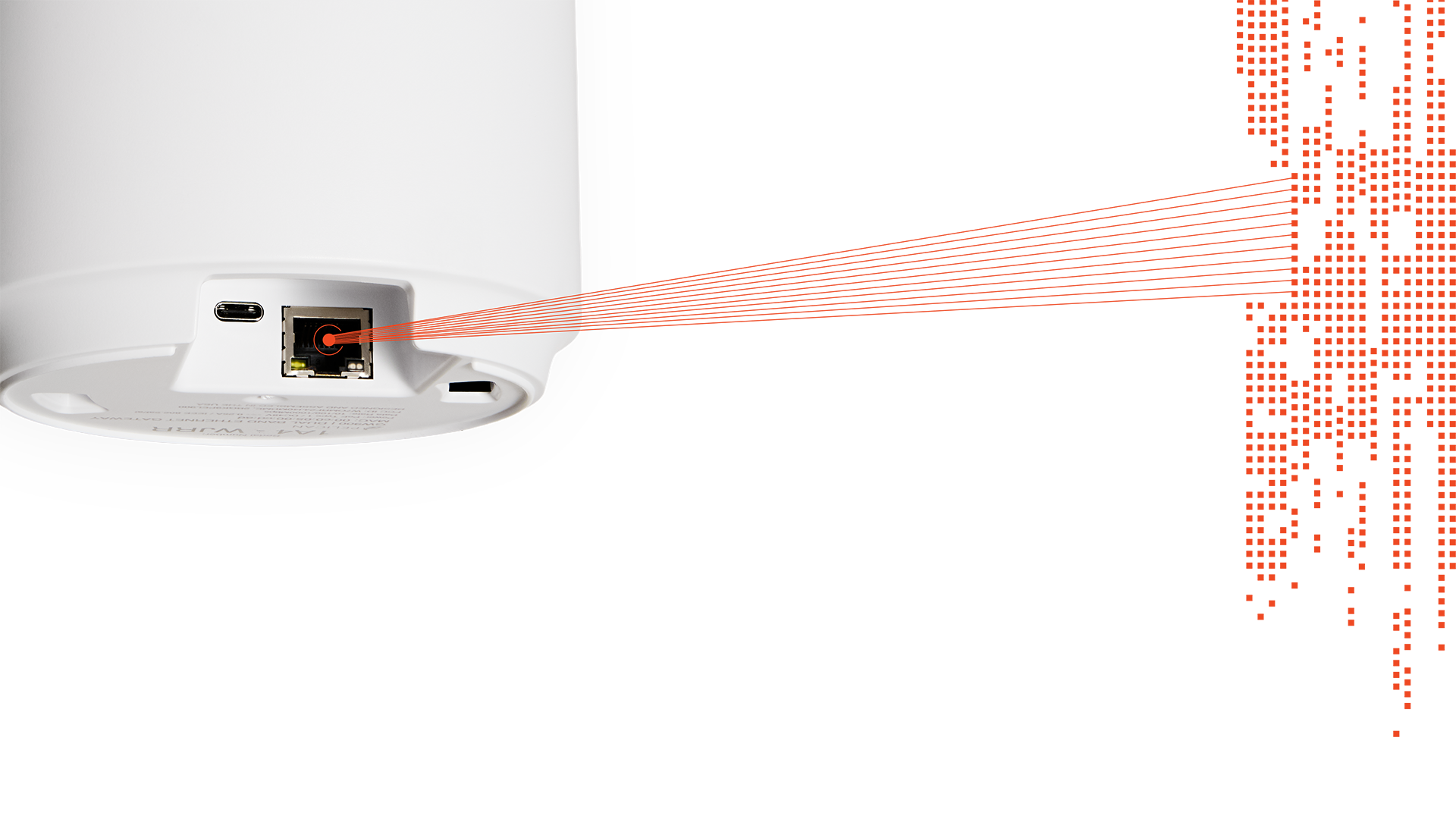
A single Ethernet connection provides both internet and power, allowing the gateway to disappear cleanly into a wall or ceiling.
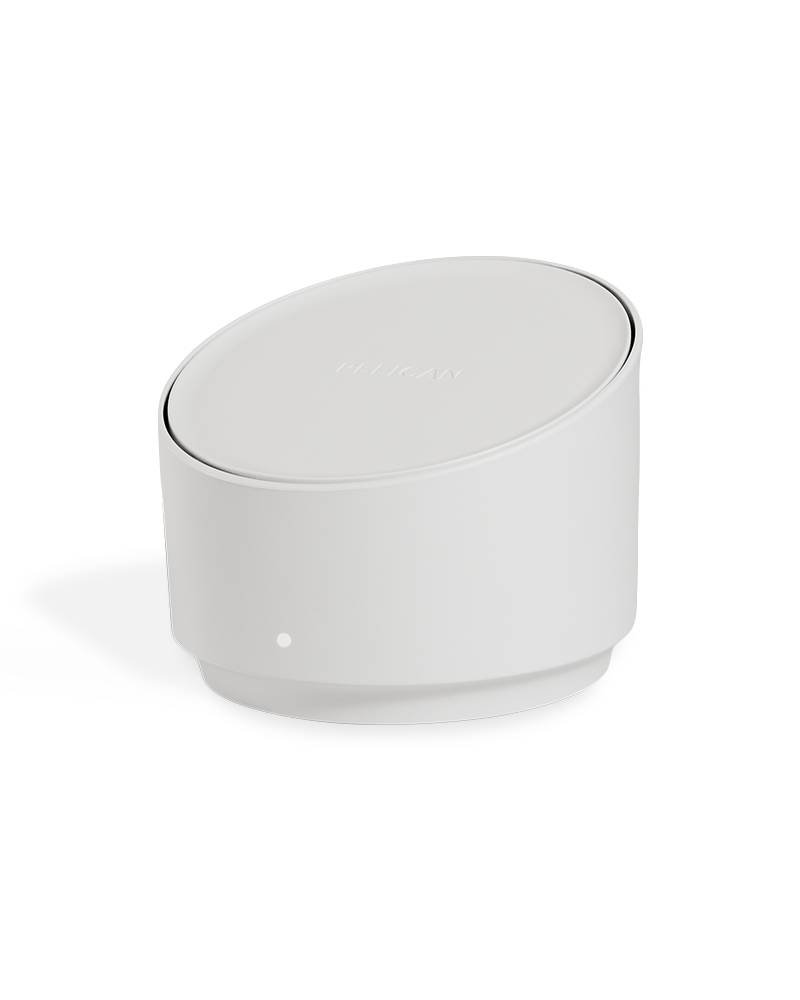
Carefully designed for a low-profile aesthetic while delivering enhanced networking performance.
Wireless Connectivity at Any Scale
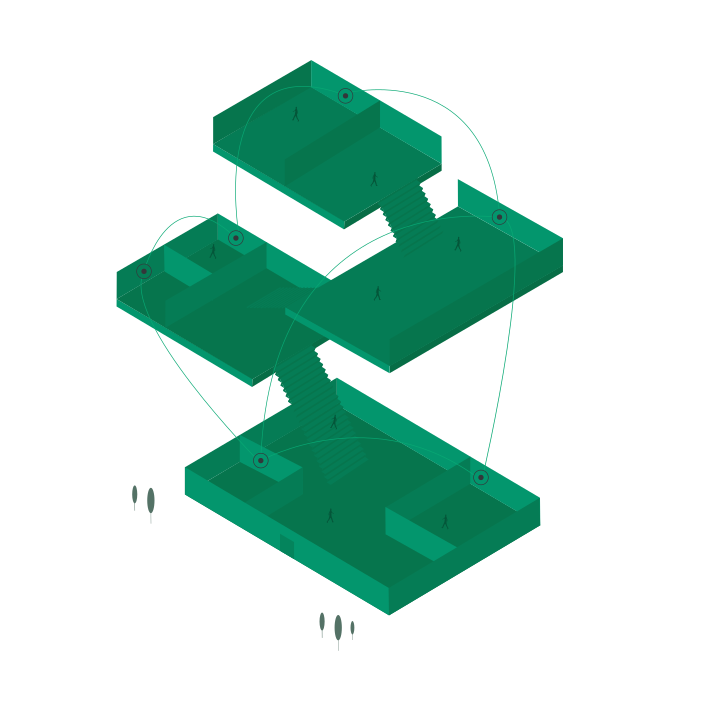
Core Wireless Connectivity
Provides the primary wireless mesh across typical building environments, delivering reliable, high-capacity communication to connect Pelican thermostats, sensors, and advanced controllers.
Extended Wireless Connectivity
One Wire. Total Connection.
One Connection. Total Control.
Secure Plug and Play
No complex IT networking or installation barriers. Connect to your Pelican system instantly.
Up to 1 Gbps Full-Duplex
High-performance connectivity that works seamlessly with all commercial-grade routers and switches.
Power Over Ethernet (PoE) Enabled
Receives power directly over the Ethernet connection, simplifying installation and reducing cable runs.
Cellular Gateway Solution
GW400 LTE Gateway
*Available only in the United States.
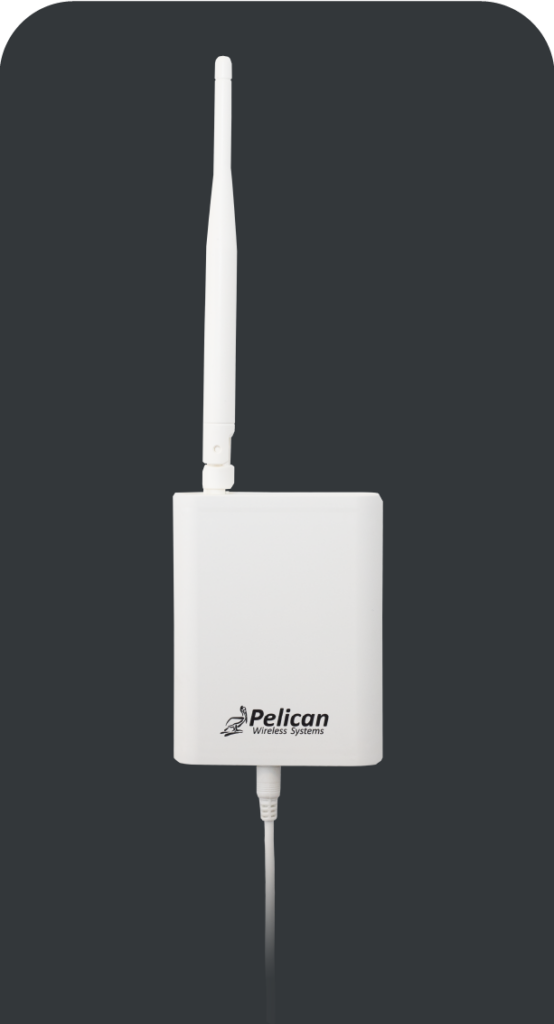
Don’t have an existing internet connection at your site yet? You can still connect your Pelican ecosystem using our Cellular Gateway (GW400-LTE).
Connected through the national Pelican AnyWhere 4G LTE cellular network*, our Cellular Gateway includes personalized support and easy to understand terms.
Free Lifetime Support
We stand behind the products which power the Pelican ecosystem. So we offer free customer support and updates to our customers. Ensuring their climate management system runs effortlessly.
GW400 Gateway Customer Support
We continue to support the GW400 Ethernet Gateway and all previous gateway generations with free updates and customer support.
Technical Specifications
Cellular Gateway
Product Name:
Long Range Dual-Band Gateway
4G LTE Cellular Gateway
Part Number:
GW400-LTE
Network Connection:
CAT-5/6 Ethernet switch or router
Pelican Anywhere Celluar*
Data Rate:
10/100/1000 Mbsp, Full-Duplex
Wireless Frequencies:
2.4 GHz & 915 MHz Dual-Mesh Networking
2.4 GHz Mesh Networking
Wireless Standards:
IEEE 802.15.4
Power Source:
PoE (IEEE 802.2af/at)¹
120V Wall Power Adapter
Input Power:
48V DC, 60Hz, 0.25A (POE)
5 V DC, 2.0A
FCC Compliance:
Class B part 15
Dimensions:
3.64 x 5.12 in (100 x 130 mm)
7.25 x 3.5 x 1.25 in (184 x 89 x 32 mm)
Mounting:
Wall & Ceiling Mounts Included
Wall Mount Included
Storage:
-20°F –160°F
¹If Power over Ethernet (PoE) is not available, a PoE adapter is included with the purchase. Can also be powered by USB-C 5V DC, 2.0A wall power adapter.
*The Pelican AnyWhere Cellular Network requires acceptance of Pelican’s Cellular Terms of Service and acknowledgment of any associated service costs prior to activation. This cellular service is provided directly by Pelican Wireless Systems and does not require any third-party cellular provider agreements.
N/A
Gateway Documents
Installation Guides
PDF: GW400 LTE Installation Guide
Datasheet
PDF: Cellular Gateway Service Datasheet
Application/Engineering Guides
Wireless Network and Installation Planning Guide
PDF: Section 23 09 22: Climate Management Controls for HVAC
DOC: Section 23 09 22: Climate Management Controls for HVAC