
Temperature and Alarm Sensor (TA1)
| Pelican Accessory: Add an Input.
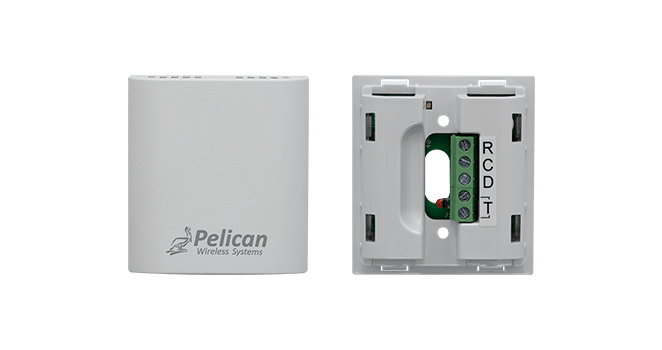
The Pelican Temperature and Alarm Sensor (TA1)
| Multi-Use, Accessory
A TA1 can connected to a variety of different Pelican devices to bring in additional information and enhanced features.
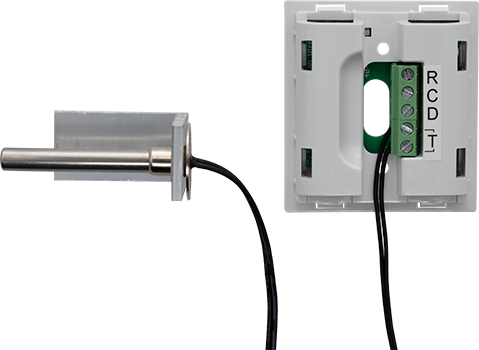
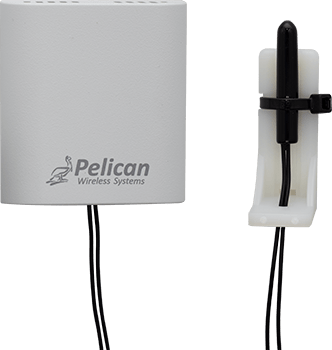
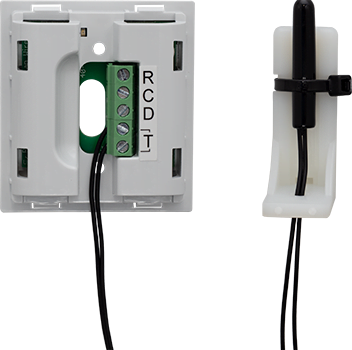
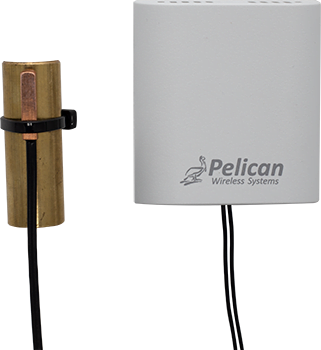
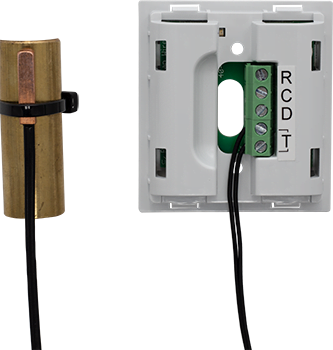

DESIGN
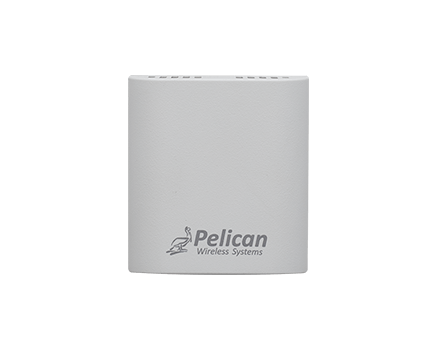
Compact
The small footprint of the TA1 makes it easy to fit into tight spots and helps make it disappear when mounted on a wall.
TRACKING
Data Logs
Whatever point being monitored by your TA1s are stored on historical graphs, so you can view the information at anytime.
WEB-APP CONNECTED
Virtual
Right from the Pelican App you can view what your TA1 is configured to detect.
| Common Applications
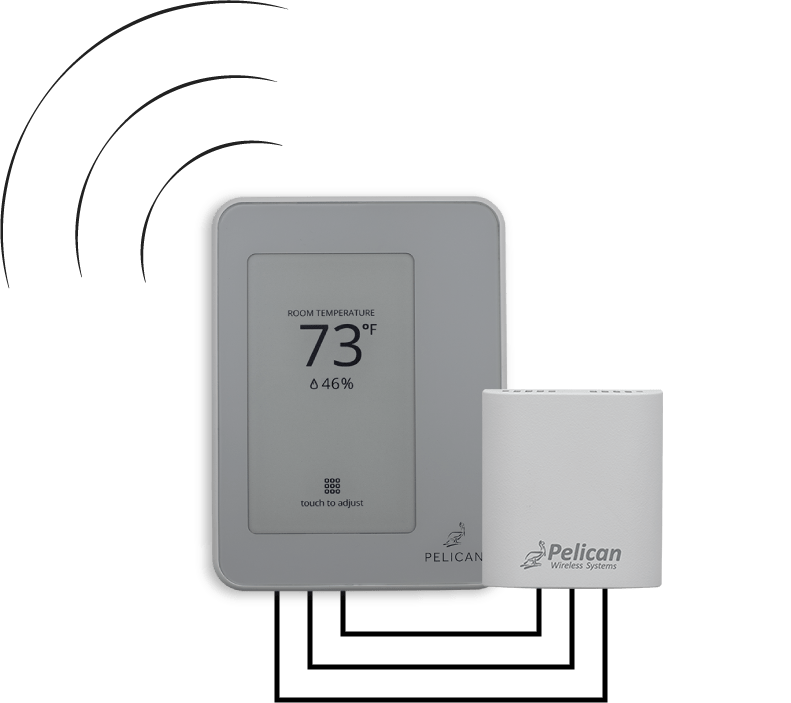
| 3-Wire connection to a thermostat.
THERMOSTATS:
Discharge Air Temperature Sensor
Monitor and record the discharge air temperature of your HVAC equipment or from a VAV box.
Remote Room Temperature Sensor.
Mount the TA1 in a secondary location and weight/average the temperature between its primary thermostat and the TA1 location.
Occupancy Sensor Input.
Wire a third-party occupancy sensor’s dry-contact output into the TA1 to utilize occupied/unoccupied thermostat temperature setbacks.
Dry-Contact Input.
Pull in a third-party dry-contact input to generate a notification on your Pelican App. Notifications are based on dry-contact state and can be tied into if heating, cooling, or fan are active. Naming of notification are defined in the App.
Monitor any external temperature.
Sometimes you need to monitor a water temperature or the outdoor air temperature. Although a TA1 is wired to a thermostat, it can be configured as a stand-alone temperature sensor in the Pelican App.
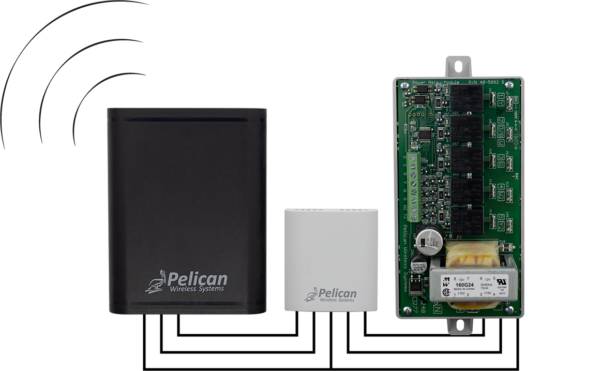
| 3-Wire connection to a Power Control Module.
POWER CONTROL MODULE:
Flow Verification Input.
Wire a third-party flow switch with a dry-contact output into the TA1 to be utilized as flow verification. This can be defined for lead/lag water pump control with flow verificatio, for exhaust fan enable verification, and more.
Pull in a third-party dry-contact input to generate a notification on your Pelican App. Notifications are based on dry-contact state changes. Naming of notification are defined in the App.
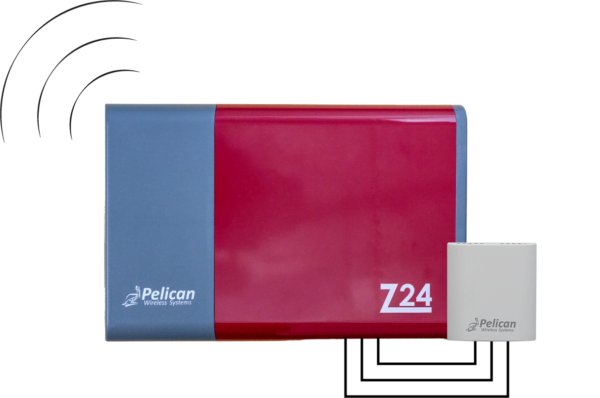
| 3-Wire connection to a Zone Controller.
ZONE CONTROLLER:
Add a 4th Temperature Input.
Some zone controller applications require a 4th temperature input. The Pelican TA1 can easily be wired to either a Z8 or Z24 to provide this additional point.
| TA1Terminals
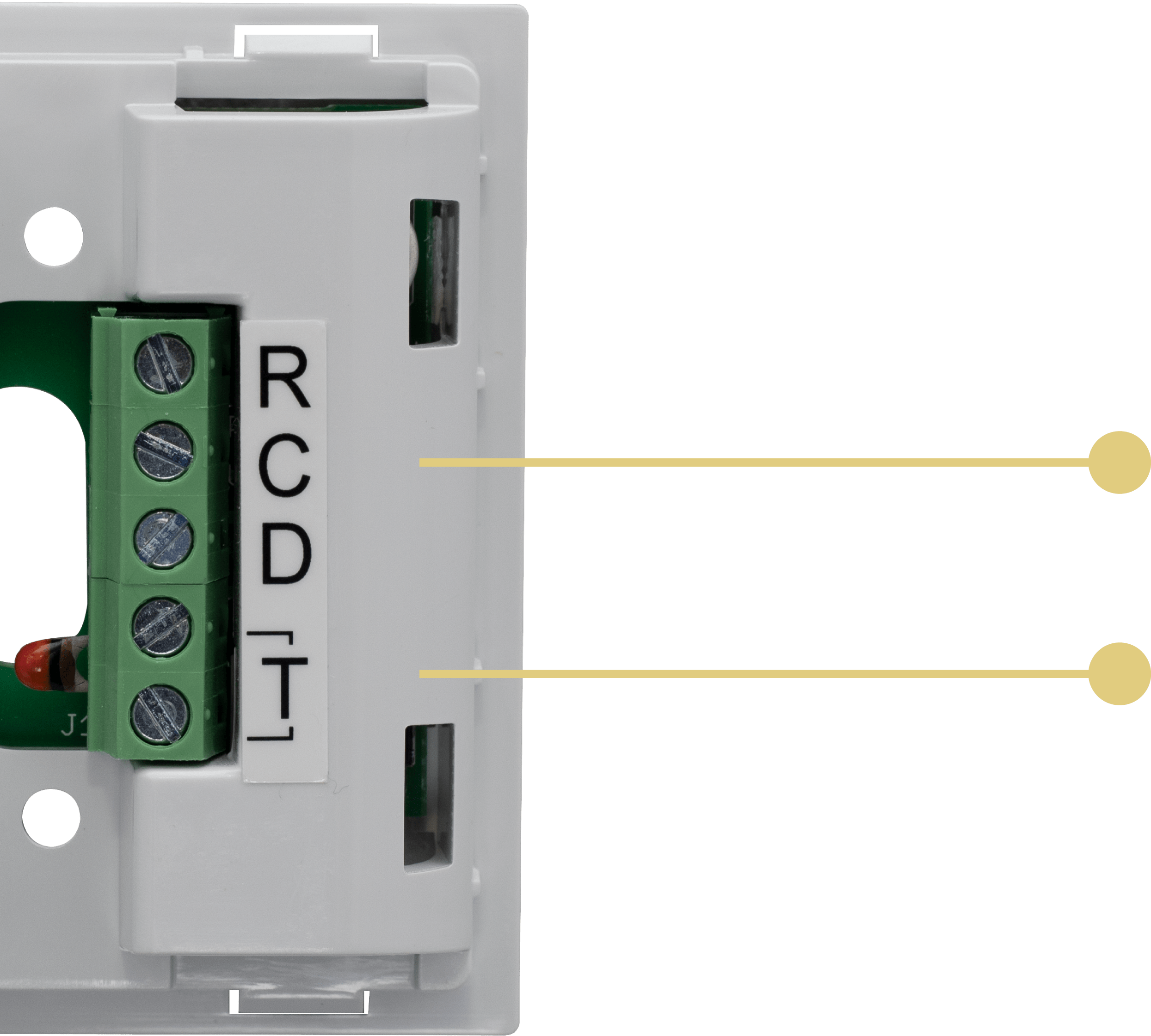
COMMUNICATION & POWER
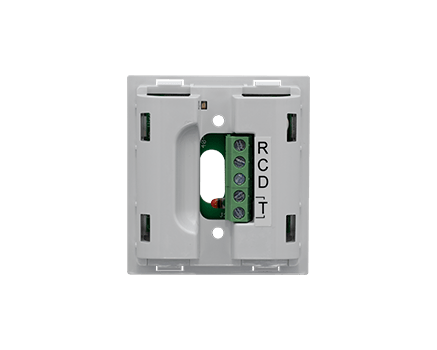
(R, C, D) 3-Wires Only
The TA1 and its Pelican thermostat communicate over a three wire connection. R: 24 VAC, C: Common, D: Data.
2-WIRE INPUT
(T) Multi-Use Input
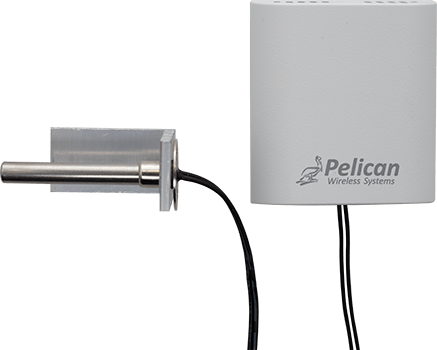
Included with the TA1 is a removable temperature sensor. Remove this sensor to add an external 10K Type II temperature sensor or receive a dry-contact input.
COMMUNICATION & POWER
The TA1 and its Pelican thermostat communicate over a three wire connection. R: 24 VAC, C: Common, D: Data.
| TechnicalSpecifications
COMPATIBILITY
Compatible with both the Pelican TC and TS series thermostats. Compatible with both Pelican Power Control Modules (PM5-120/240 & PM5-277). Compatible with both Pelican Zone Controllers (Z8 & Z24)
DIMENSIONS
in: 2.5 X 2.5 X 0.75 mm: 63.5 X 63.5 X 19
MOUNTING
Designed to be mounted on a flat surface.
POWER
24 VAC, 60 Hz, 50mA
OPERATING VOLTAGE RANGE
23 - 30 VAC
WIRING
Three (3) low-voltage wires from TA1 to Pelican device. R: 24VAC C: Common D: Data
PROVIDED SENSOR °F RANGE
-4°F to 120°F
EXTERNAL SENSOR °F RANGE
-20°F to 180°F
INPUT THERMISTOR TYPE
10k Type II
DRY-CONTACT INPUT ALARM
Notify anytime contact opens or contact closes. Notify if contact remains open or closed and one or multiple of the following cycles are active: Fan Running, Cool Running, Heat Running
DRY-CONTACT OCCUPANCY INPUT
Contact Open = Unoccupied Contact Closed = Occupied
OPERATING RANGE
-4°F to 160°F 5 to 90 % Relative Humidity (non-condensing)
STORAGE
-20°F to 160°F
24 VAC, 60 Hz, 105mA
CODE COMPLIANCY
Meets California Title 24 Code. Follows ASHREA Economizer and Ventilation standards.
| ProductDocumentation
Installation Guides
Datasheets
Application/Engineering Guides
> PDF: Dry-Contact as Occupied/Unoccupied Input - Wiring Guide
> PDF: Dry-Contact as Alarm Input - Wiring Guide
> PDF: External Sensor for HVAC Discharge Air - Wiring Guide
> PDF: External Sensor for VAV Box Discharge Air - Wiring Guide
> PDF: External Sensor for Water Temperature - Wiring Guide
> PDF: Dry-Contact as Flow Switch Input - PM5 Wiring Guide
> PDF: Additional Temperature Sensor - Z8/Z24 Wiring Guide
LEARN MORE
DISCOVERMOREPELICAN
HEAR THEIR STORIES
PELICANIMPACTSOTHERS

With hundreds of thousands of customers using Pelican, we want you to hear some of their stories.